

Your instructor portal
Every instructor tool is one tile away on your portal home page.
- 1
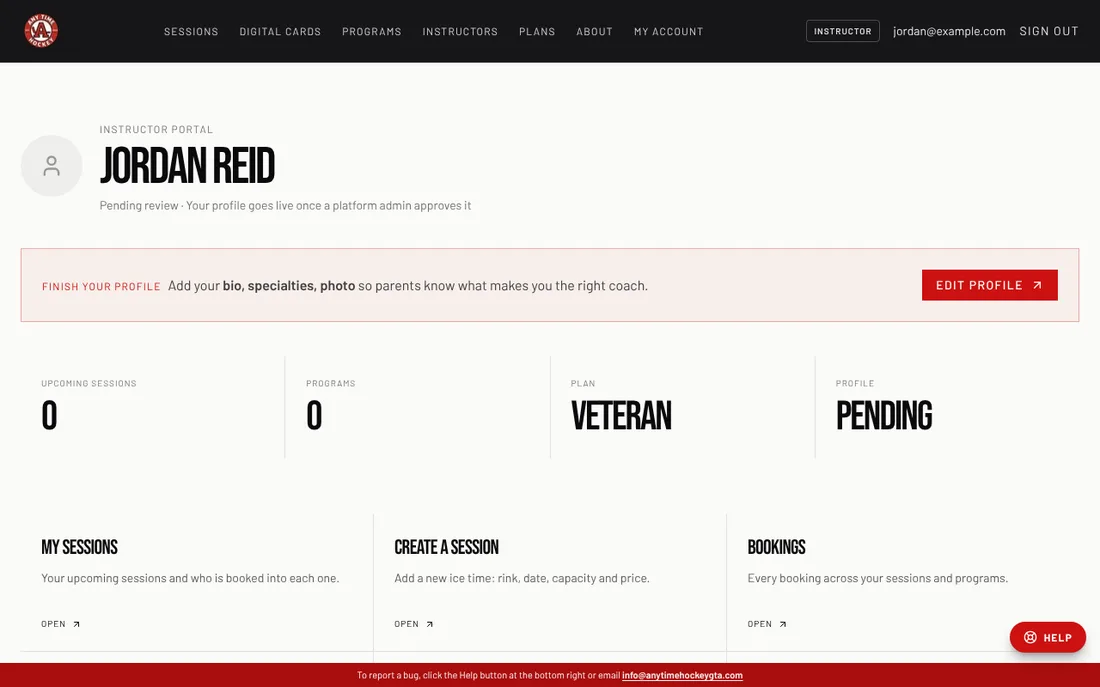
Sign in. You land on your Instructor portal; you can always get back to it from My account or the ← Instructor portal link at the top of each tool.
- 2
The top tiles run your coaching: My sessions, Create a session, Bookings, Check-in, Add a booking, Programs and Create a program.
- 3
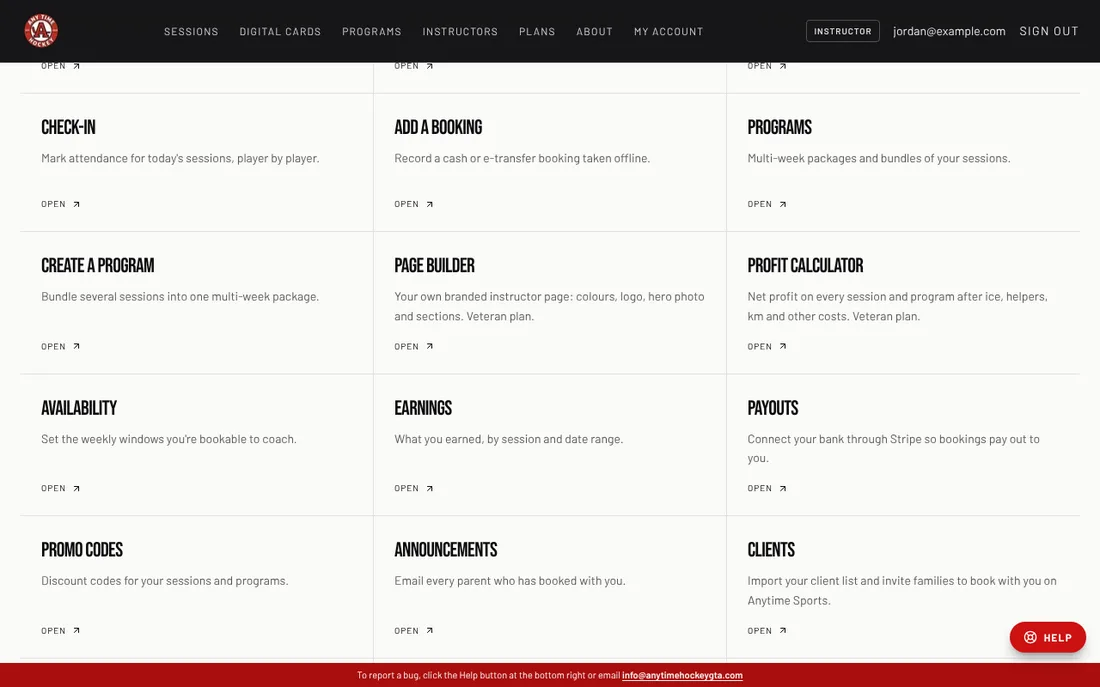
The money tiles: Earnings, Payouts (connect your bank), Reports and the Profit calculator (Veteran plan).
- 4
The family tiles: Clients, Promo codes, Announcements and Credits.
- 5
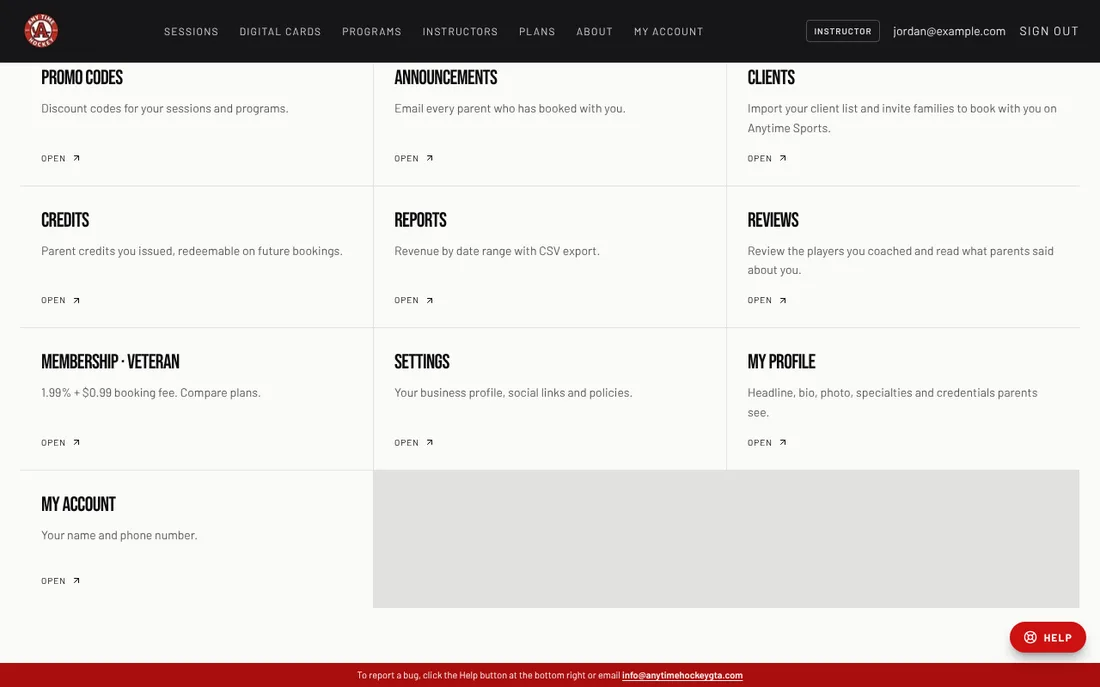
Your profile tiles: My profile, Availability, Reviews, Page builder (Veteran plan), Membership and My account.
Related
Still stuck? Click the red HELP button at the bottom right and tell us what happened.