

Connect payouts (get paid)
Connect your bank through Stripe so paid bookings go straight to you.
- 1
In your Instructor portal click the Payouts tile.
- 2
Click Set up payments (it says Set up payouts if you coach for an organization). Stripe, our payment partner, opens in the same window. It takes 5 to 10 minutes.
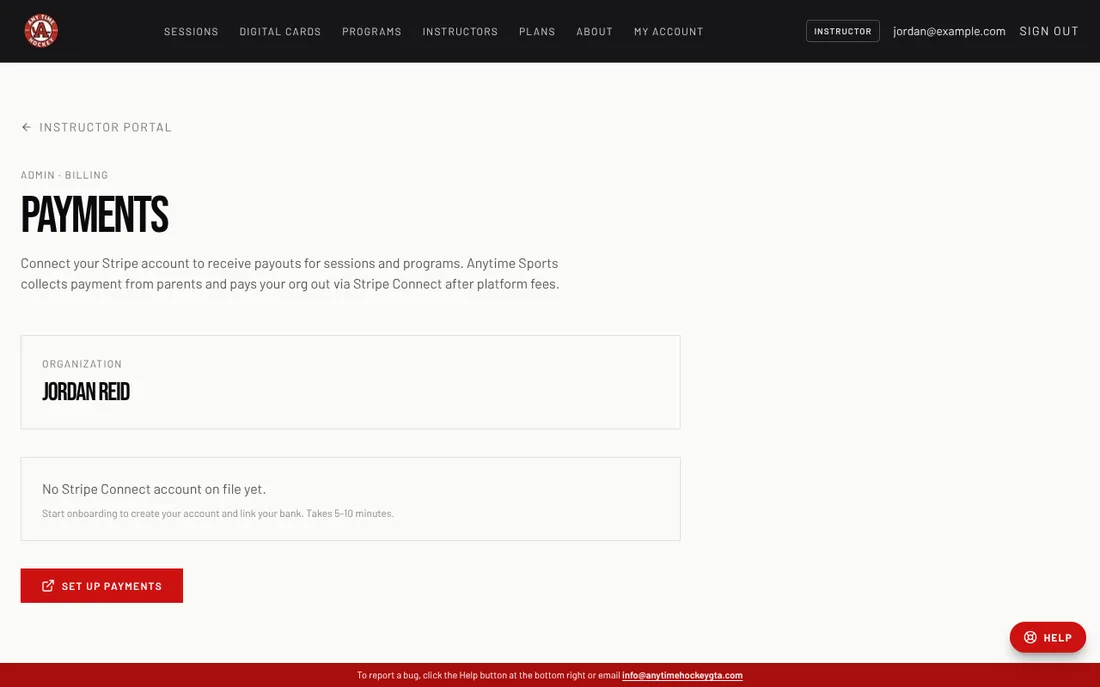
- 3
Follow Stripe's steps: your legal name, date of birth, address and the bank account you want paid into. Stripe may ask for a photo of your ID.
- 4
When Stripe sends you back, Can receive payments and Can receive payouts should both say yes. Parents can now book and pay for your sessions.
- 5
Left part-way? Click Continue setup to finish. Use Manage on Stripe later to change your bank account.
Good to know
- Until payouts are connected, parents can see your sessions but cannot pay for them.
Related
Still stuck? Click the red HELP button at the bottom right and tell us what happened.