

Early bird, booking window, private sessions and waitlist
The optional settings at the bottom of the session form.
- 1
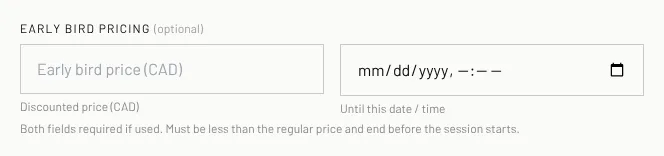
Early bird pricing: type a lower price and the date and time it ends. Both are needed, the price must be lower than the regular price and the deadline must be before the session starts.
- 2
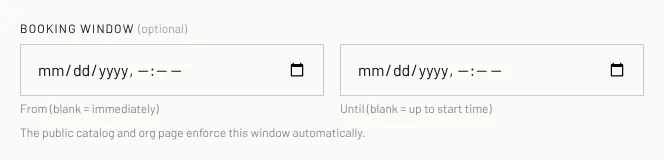
Booking window: set when booking opens (From) and closes (Until). Leave them blank to open now and close at the start time.
- 3
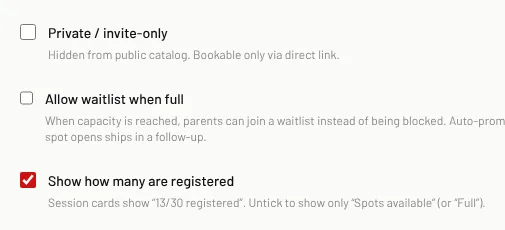
Private / invite-only: hides the session from the public lists. Only people with the link can book it.
- 4
Allow waitlist when full: parents can join a waitlist instead of being turned away.
- 5
Show how many are registered: cards show "13/30 registered". Untick to show only "Spots available" or "Full".
- 6
Click Create session or Save changes.
Related
Still stuck? Click the red HELP button at the bottom right and tell us what happened.