

Choose the home screen section
Tell parents what kind of session it is and where it shows on the home page.
- 1
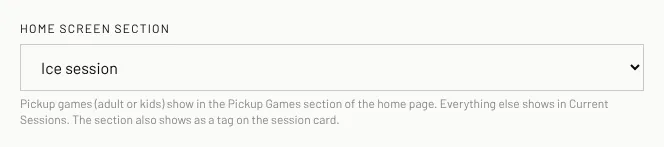
On the session form, open Home screen section.
- 2
Pick Ice session, Dryland session, Goaltending session, Video session, Pickup game — adult or Pickup game — kids.
- 3
Save the session. Pickup games show in the Pickup Games section of the home page; everything else shows in Current Sessions.
- 4
Each session card on the home page shows its section as a small red tag (ICE, DRYLAND, KIDS PICKUP...).
Good to know
- You must pick a section to publish. A draft can leave it empty.
Still stuck? Click the red HELP button at the bottom right and tell us what happened.